tooo
打开 toooOpen tooo

带计时的日程 · AI 助手也能用A day planner with a timer · works with AI agents

点一下,开始。再点一下,做完。 Tap to start.Tap again to finish.

把今天要做的事排好,一次只做一件,每件花了多久自动记下。Claude、ChatGPT 这类 AI 助手也能替你添加任务、开始计时。 Lay out the day, do one thing at a time, and the time each task took is recorded for you. AI assistants such as Claude and ChatGPT can add tasks and start the timer for you.

打开 toooOpen tooo 内测中,暂不开放注册Private beta, sign-ups closed for now
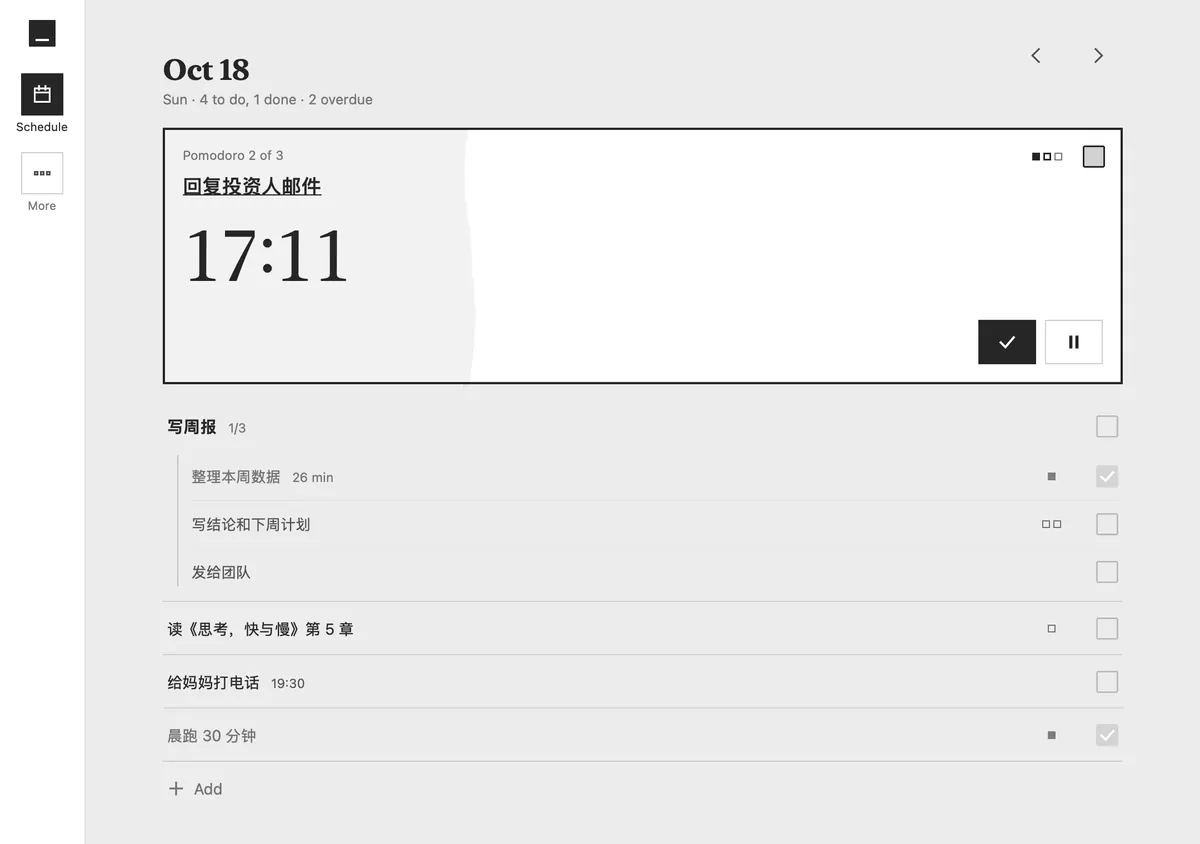
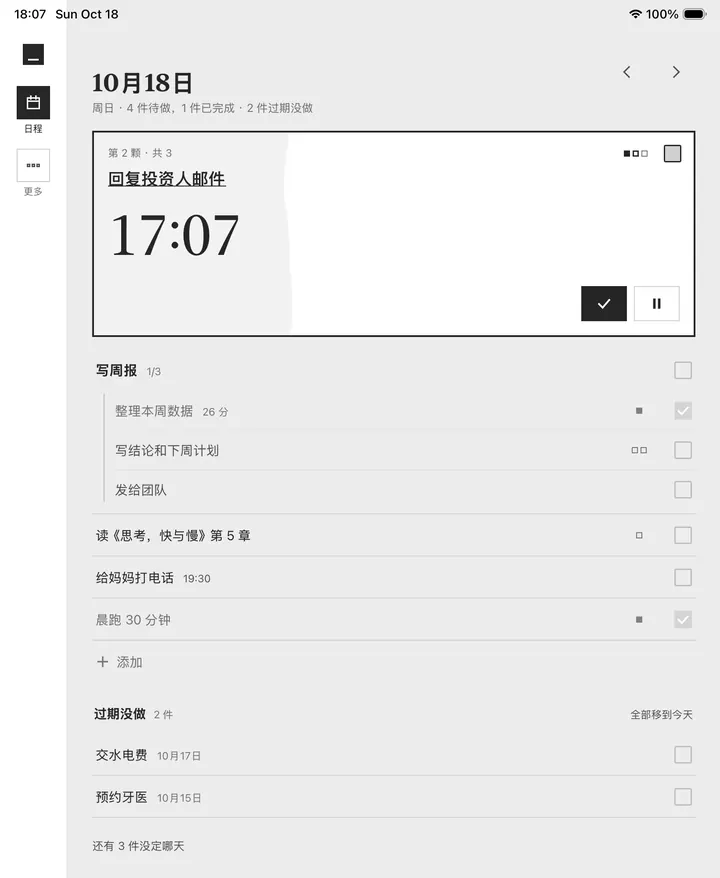
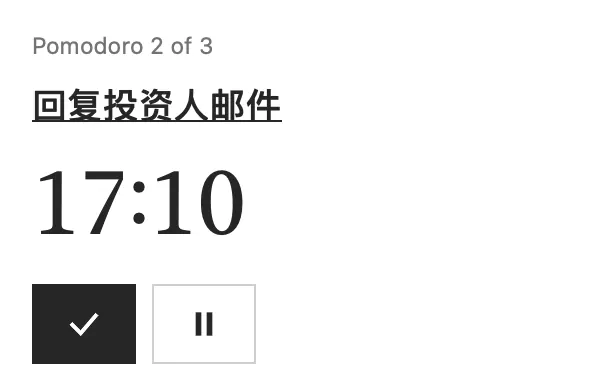
iPhone 上的 tooo:正在做的「回复投资人邮件」钉在最上面,计时 17:07,下面是今天的任务和步骤
一天怎么过How a day goes

记下,做一件,回头看。Write it down. Do one thing. Look back.

01

想到就记下Write it down when it comes up

手机上每一页都有同一个加号。记到今天、明天、日历上的任意一天,或者先不定日子;记在哪天,到那天它就出现在日程里。大一点的事拆成步骤,一步一步做;周视图和月视图里也能往任意一天加。On a phone, the same + sits on every page. File a thought for today, tomorrow, any day on the calendar, or no day yet, and it shows up in the schedule on its day. Break bigger work into steps; add to any day from the week and month views too.
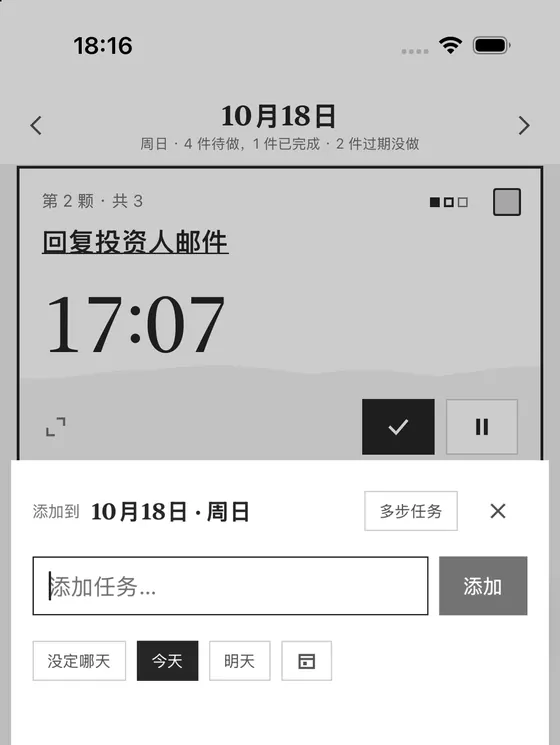
快速添加卡片:输入框,下面是没定哪天、今天、明天和日历图标
02

一次只做一件One thing at a time

点一下方块,开始计时。正在做的那件钉在最上面,围一圈墨线。按番茄排时间:一颗番茄半小时,含休息。在手机上点开它,整屏只剩这件事和时间。原生应用还会把计时放到锁屏、通知栏和电脑桌面的悬浮条上。Tap the square and the clock starts. What you're on is pinned on top in an ink frame. Plan in pomodoros, half an hour each including the break. Open it on a phone and the screen holds only that task and the time. The native apps also put the timer on the Lock Screen, in the notification shade and in a floating bar on the desktop.

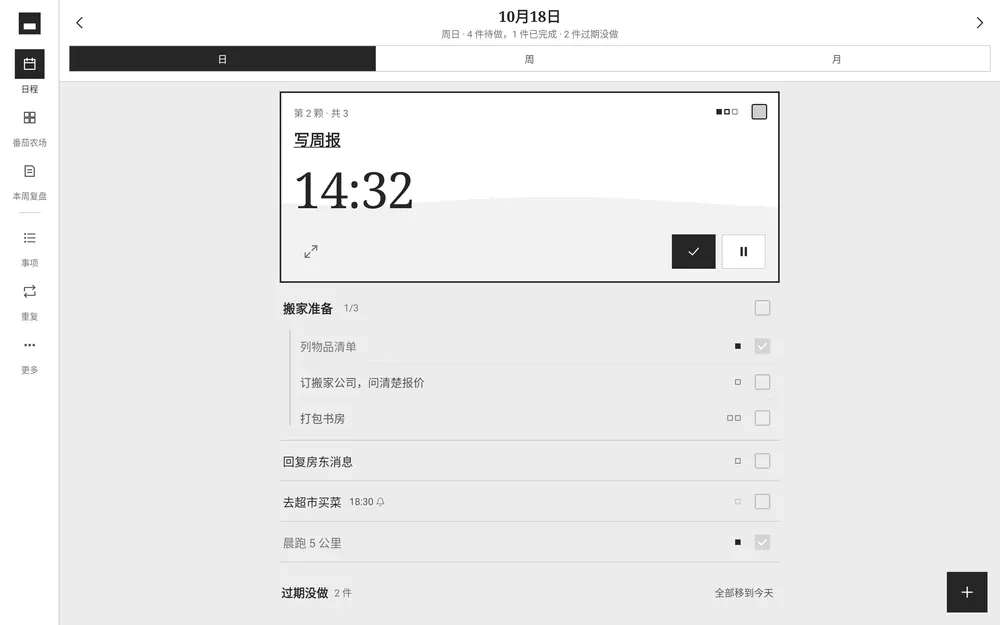
全屏专注:第 2 颗番茄,写周报,14:32,完成和暂停两个按钮
03

回头看时间去了哪See where the time went

做完的都留下记录。番茄农场把一天的半小时格子排成一行;每周复盘算好做完几件、专注多久、时间花在哪一类,再写下这周的大事。在原生应用里授权后,还能看到手机和电脑上哪些应用占了你的时间。Everything you finish leaves a record. The pomodoro farm lines up the day's half-hour cells; the weekly review counts what got done, how long you focused and where the hours went, with room for the week's big events. Give the native apps permission and you also see which apps took your time on phone and computer.

本周复盘:完成 23 件,专注 12 小时 22 分,按工作、学习、生活、健康分开的用时
番茄农场:一天的半小时格子,以及每个任务花了多久
日、周、月Day, week, month今天做什么、这周排什么、这个月哪天有事,一眼看全。What's on today, this week, and which days this month are busy.
重复的事Repeats每天、每周固定的事设一次,到日子自己出现。Set daily and weekly routines once; they turn up on their days.
准时提醒Reminders on time网页推送、电脑通知、经 Hermes 发到微信,或者原生应用在手机上的通知。Web push, desktop notifications, WeChat through Hermes, or the native apps' own notifications on your phone.
AI 助手AI agents

你的 AI 助手,也能动手。Your AI assistant can lend a hand.

MCP 是 AI 应用连接外部工具的开放协议。tooo 通过它让 AI 助手读写你的任务:添加任务、开始计时、看看你的时间花在了哪里。它改动的每一处,都会出现在你的列表里。MCP is an open protocol that lets AI apps use outside tools. Through it, an agent can read and write your tasks in tooo: add tasks, start a timer, look at where your time went. Every change it makes shows up in your list.

你You明天下午三点提醒我给妈妈打电话。现在开始写周报。Remind me to call Mom tomorrow at 3 pm. And start the weekly report now.
create_task给妈妈打电话 · 明天 15:00 · 准时提醒Call Mom · tomorrow 15:00 · remind on time
start_focus写周报 · 番茄Weekly report · pomodoro
写周报Weekly report
助手Assistant好了。明天 15:00 提醒你打电话;写周报已经开始计时。Done. You'll get a reminder at 15:00 tomorrow, and the weekly report clock is running.
Claude · ChatGPT作为连接器添加。手机扫一下码,看清它能做什么,再同意。Add tooo as a connector. Scan a code on your phone, see what it may do, then approve.
Claude Code · Codex · Hermes用一把钥匙接入,不想用了在设备页里移除。经 Hermes,提醒还能准时发到你的微信。Connect with a key and remove it from the Devices page whenever you like. Through Hermes, reminders can also reach you on WeChat.

连接地址Connector URL · app.tooo.site/mcp

各个平台Platforms

原生应用,即将推出。Native apps, coming soon.

iPhone、iPad、Mac、Android 和 Windows 各有一个原生应用:同样的黑白界面、同一个开始方块,按每个平台自己的习惯来做。它们还没上架;网页版现在就能用,也能安装到电脑桌面和手机主屏幕。iPhone, iPad, Mac, Android and Windows each get a native app: the same black-and-white screens and the same start square, built the way each platform expects. They aren't in the stores yet; the web app works today and installs to your desktop or home screen.

iPhone · iPad锁屏和灵动岛上的实时活动,看得到正在做什么、还剩多久。A Live Activity on the Lock Screen and in the Dynamic Island: what you're on and the time left.即将推出Coming
Mac菜单栏里的计时,随手完成或暂停。A timer in the menu bar; finish or pause in one click.即将推出Coming
Android常驻通知里的计时,可暂停、可完成;授权后记下各个应用的用时。An ongoing timer notification with Pause and Done; with permission, screen time per app.即将推出Coming
Windows浮在桌面上的计时条,不用切窗口。A floating timer bar on the desktop, no window switching.即将推出Coming
网页Web任何浏览器打开即用,可以安装成应用。Open it in any browser and install it as an app.现在可用Available
账号与数据Access and data

不用密码。No passwords.

像微信电脑版那样连接Pair with a code

新设备上出现二维码和 6 位数字,用已经登录的设备扫一下或输进去,就连上了。第一次建立时给你 10 个恢复码,设备都丢了也能找回。A new device shows a QR code and a 6-digit code. Scan it or type it on a device that's already signed in, and you're connected. You get 10 recovery codes when you start, so you can get back in even if you lose every device.

谁能访问你的数据,一页看清See who can reach your data

每台设备、每把钥匙、每个 AI 应用都列在设备页里,不要的随时移除。Every device, key and AI app is listed on one page. Remove any of them at any time.

断网也能点Taps work offline

原生应用里,每一下点击当场生效;没网时先记在本机,联网后自己同步。网页版需要联网。In the native apps every tap takes effect at once. Offline, it's kept on the device and syncs when you're back. The web app needs a connection.

内测中Private beta

现在还没开放新账号。New accounts aren't open yet.

tooo 目前只给我们自己和少数受邀的人用,也没有候补名单。已经有账号的,直接打开就好。For now tooo is used by us and a few invited people, and there's no waitlist. If you already have an account, go right in.